
If you've ever taught chemistry using a simulation or animation, you know how important it is that you can rely on the technology live and step through a paced reaction for you and your students, collaborators, or funders.
This week, I want to share the feedback we received from our colleagues at ChemEdX Conversations on September 8 — and what we built in Genesis as a result.
Before. Genesis scenes mostly autoplayed for free-exploration. That is fine for curiosity. But it didn't make for a reliable presentation. Our colleagues need to pause mid-mechanism, talk about what just happened, step back, and go on — live — and export GIFs/recorded moments.
- Jack Barbera asked for stepwise control unprompted: stop here, narrate, go on, step backward, reset between demos.
- Crystal and David asked for exports that drop into PowerPoint without a window shuffle — with GIFs ranking above MP4 for classroom autoplay.
- Colleen and Erica asked for a hosted library of pre-made GIFs and MP4s, and ChemEdX offered to feature it.
After. We spent the week in R&D applying the feedback received and have released the next βeta (v4.470) which includes:
1️⃣ Steppable mechanisms — instructor- and learner-paced forward/back, stable pause to talk over, reset, deep-link to a named intermediate. Primary user is often the instructor presenting live.
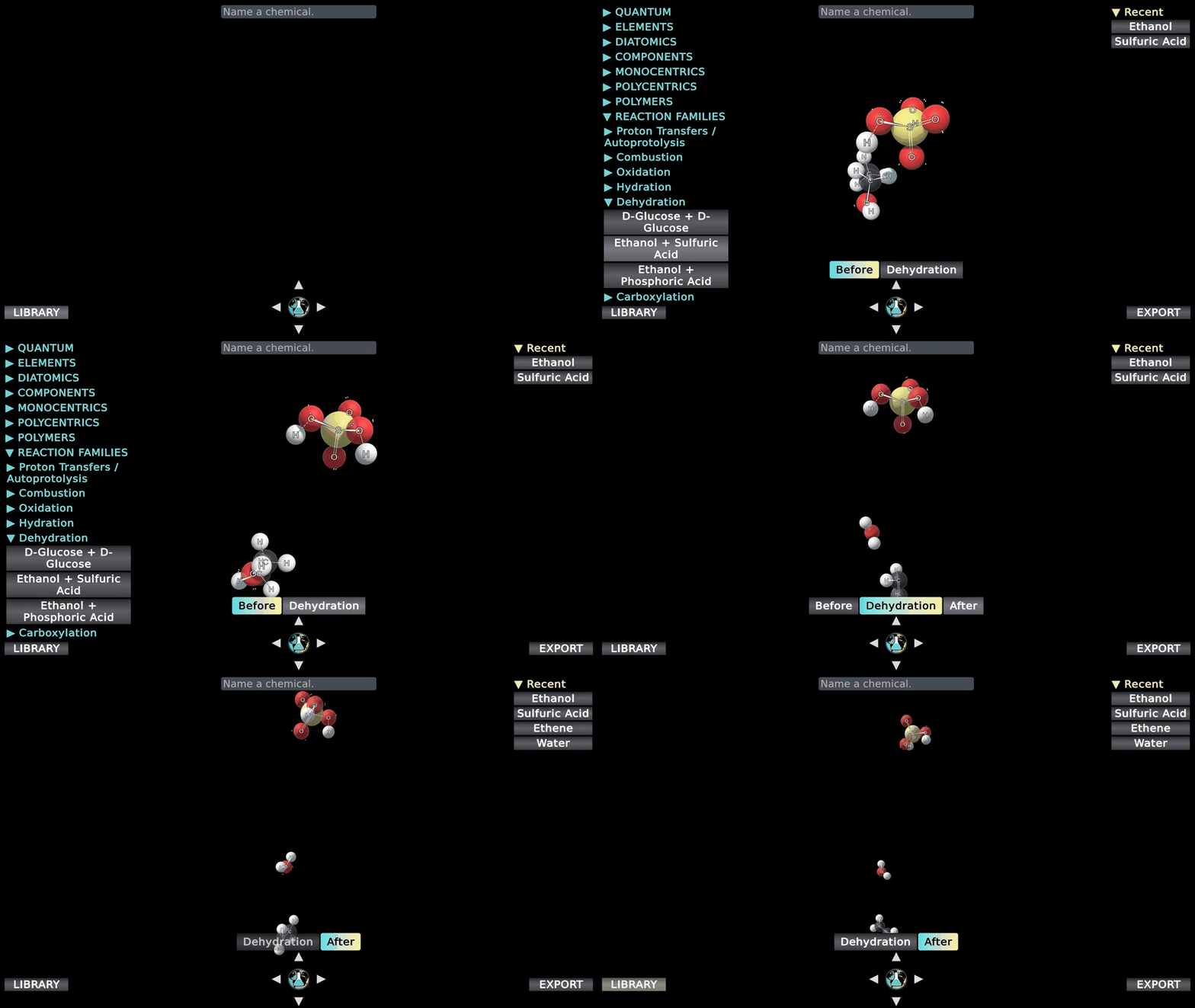
2️⃣ Export on demand — PNG, GIF, MP4 from the live scene so every artifact rides the current engine.
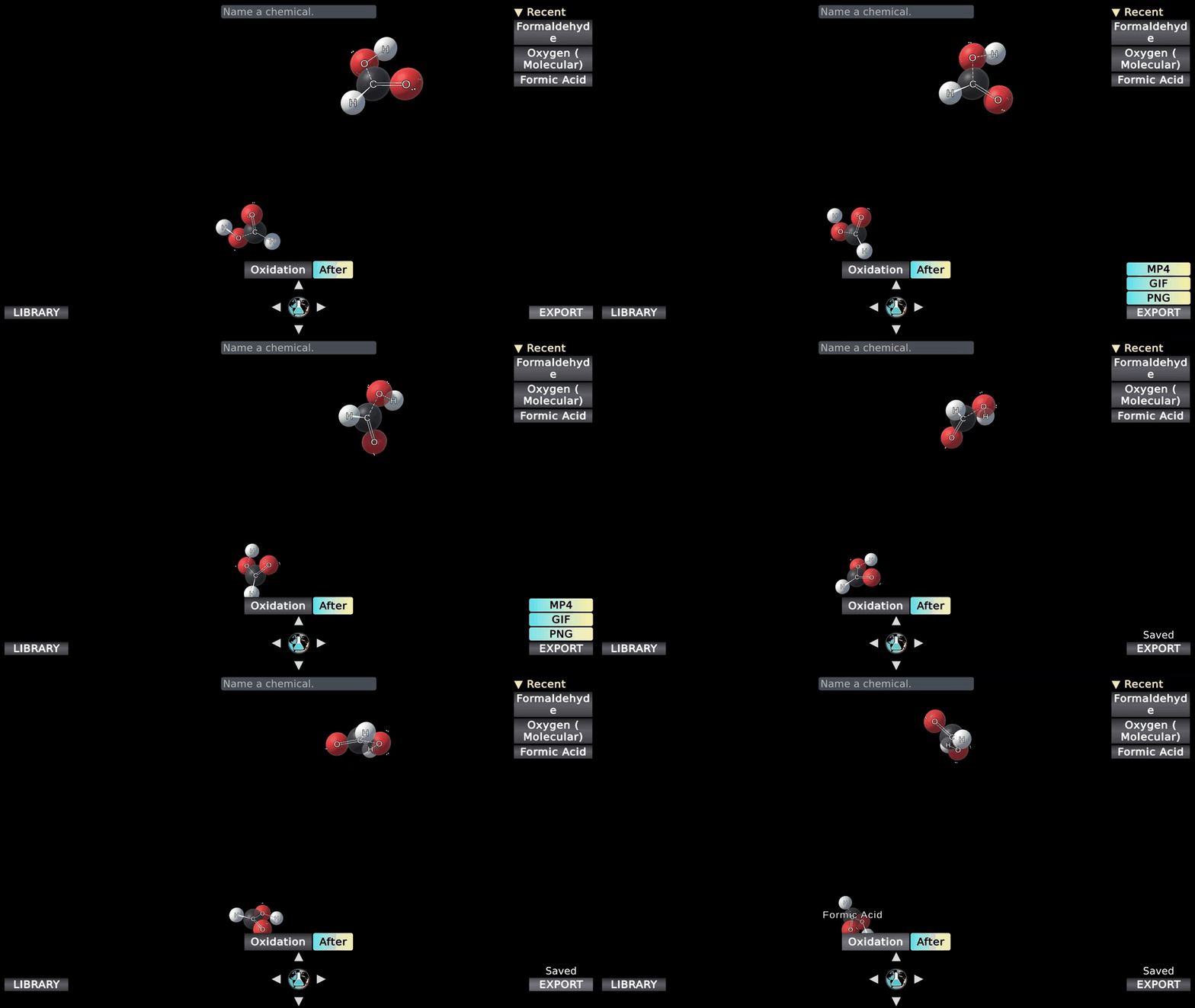
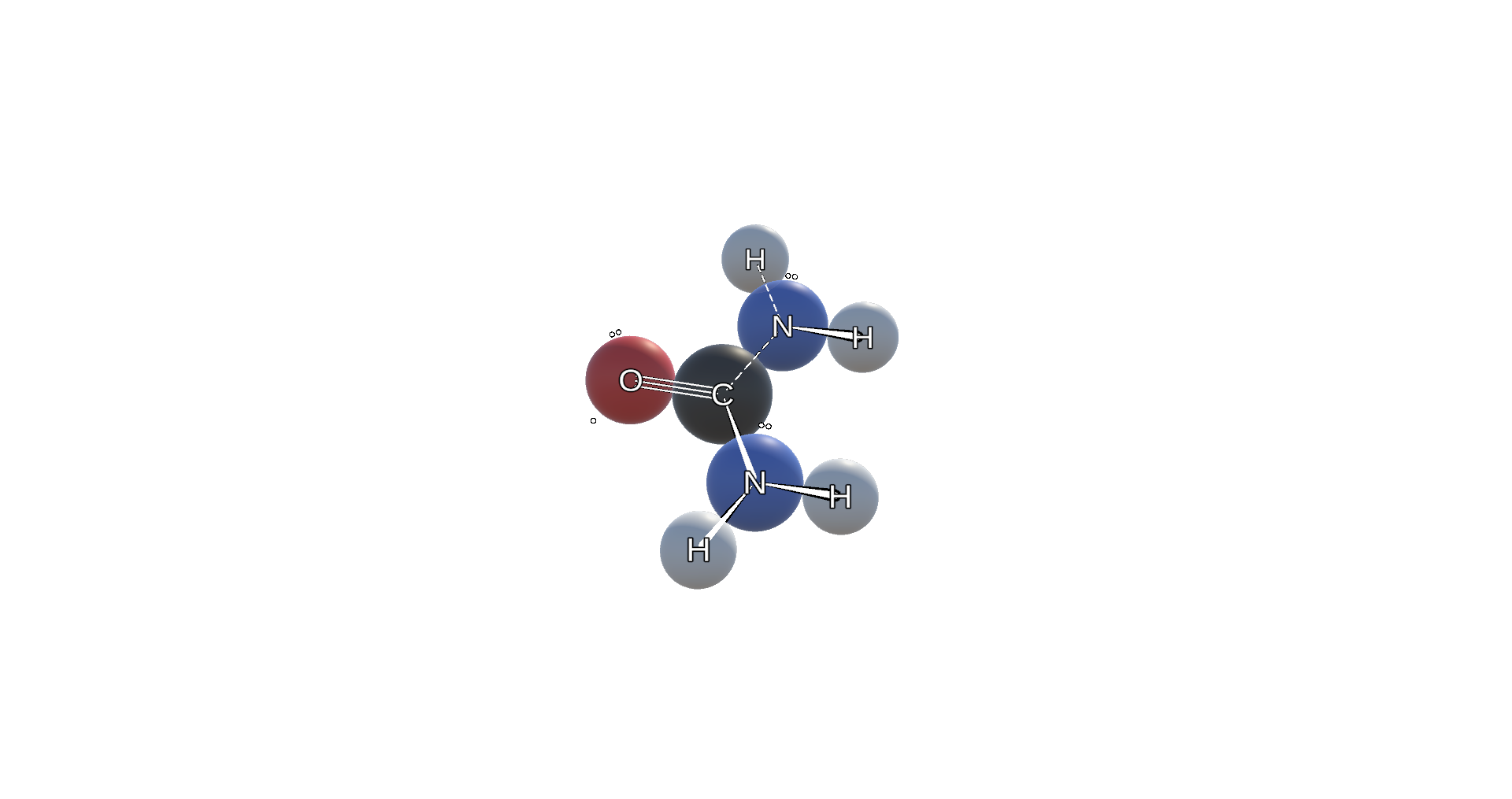
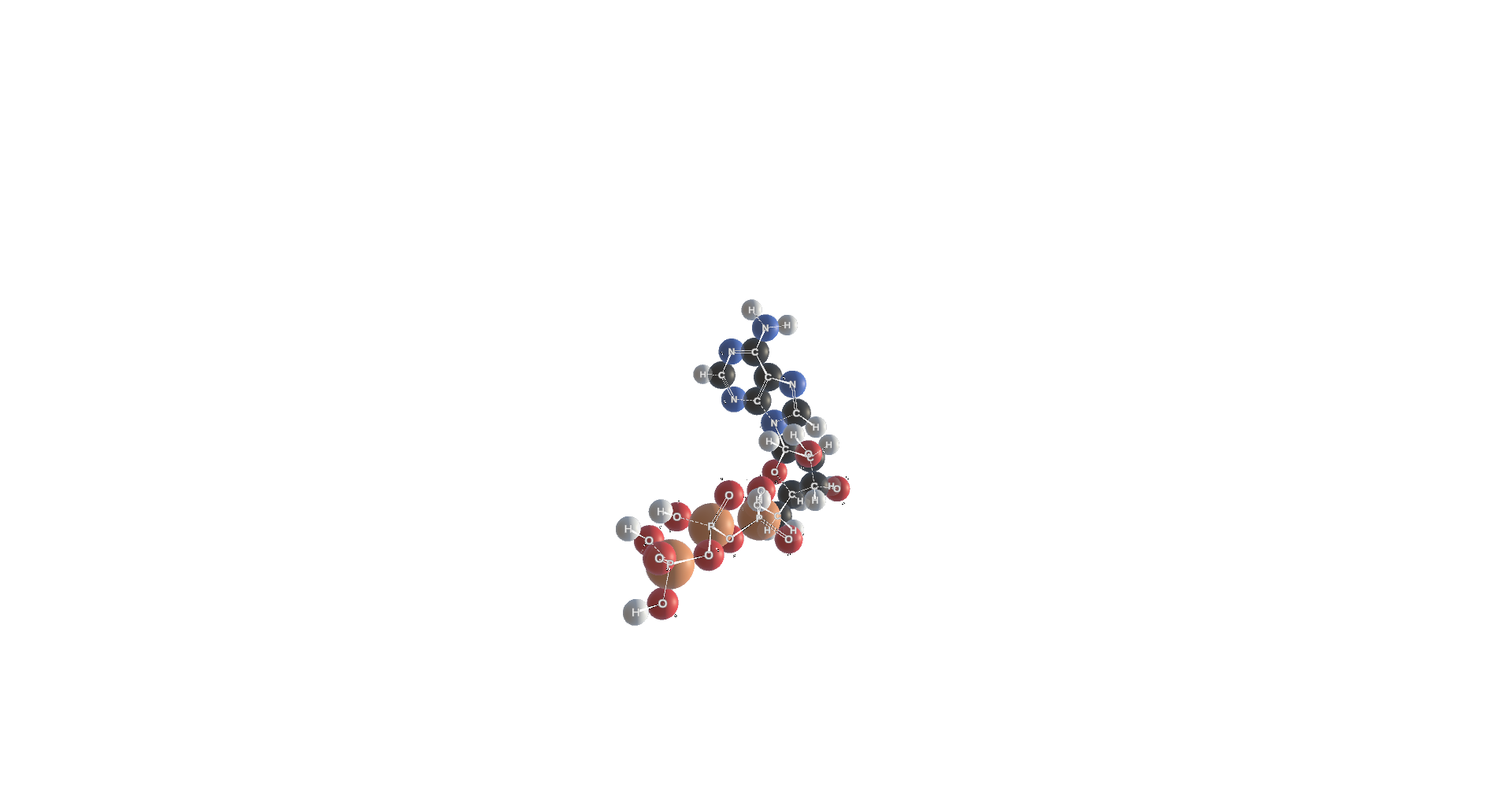
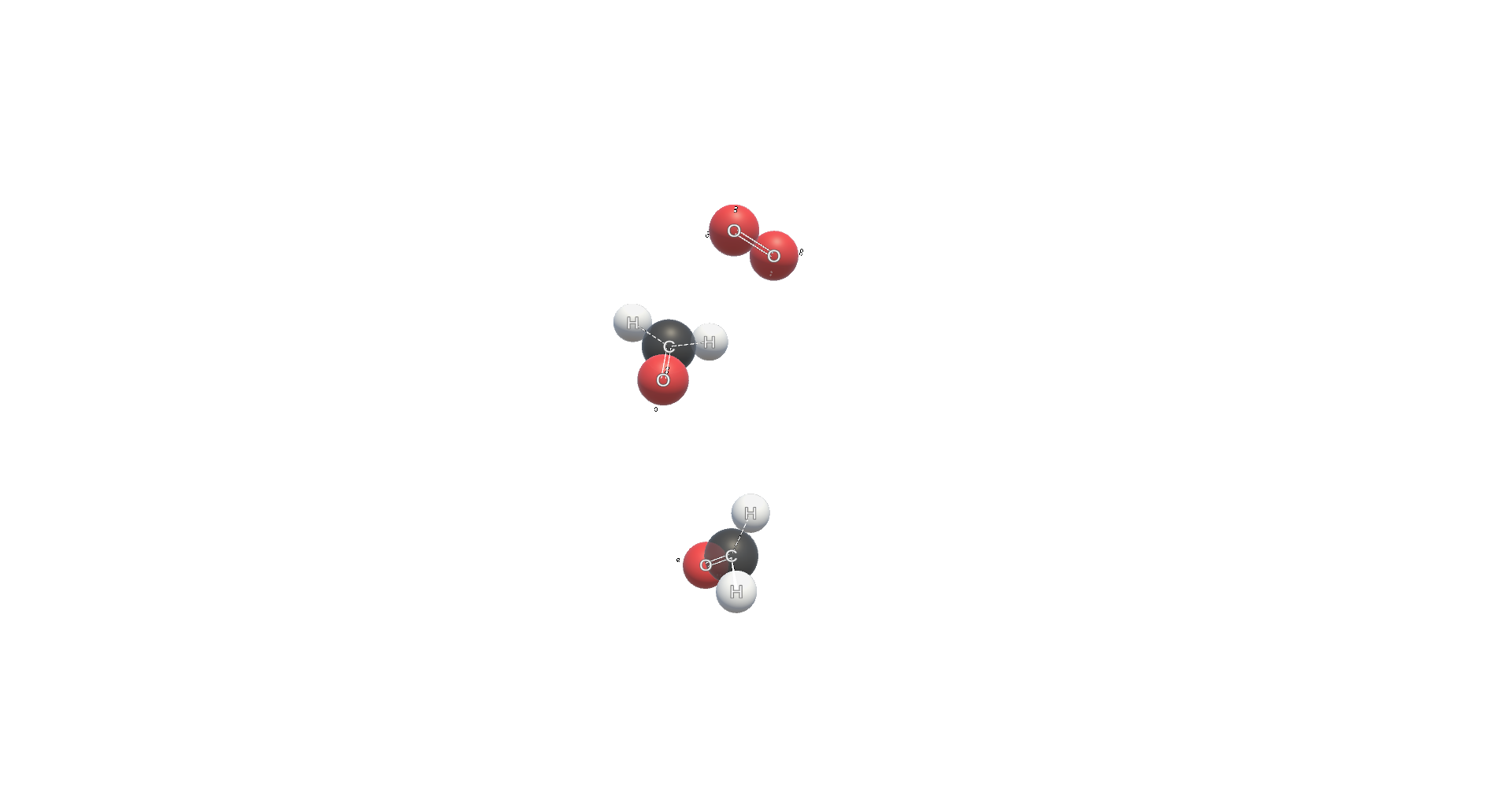
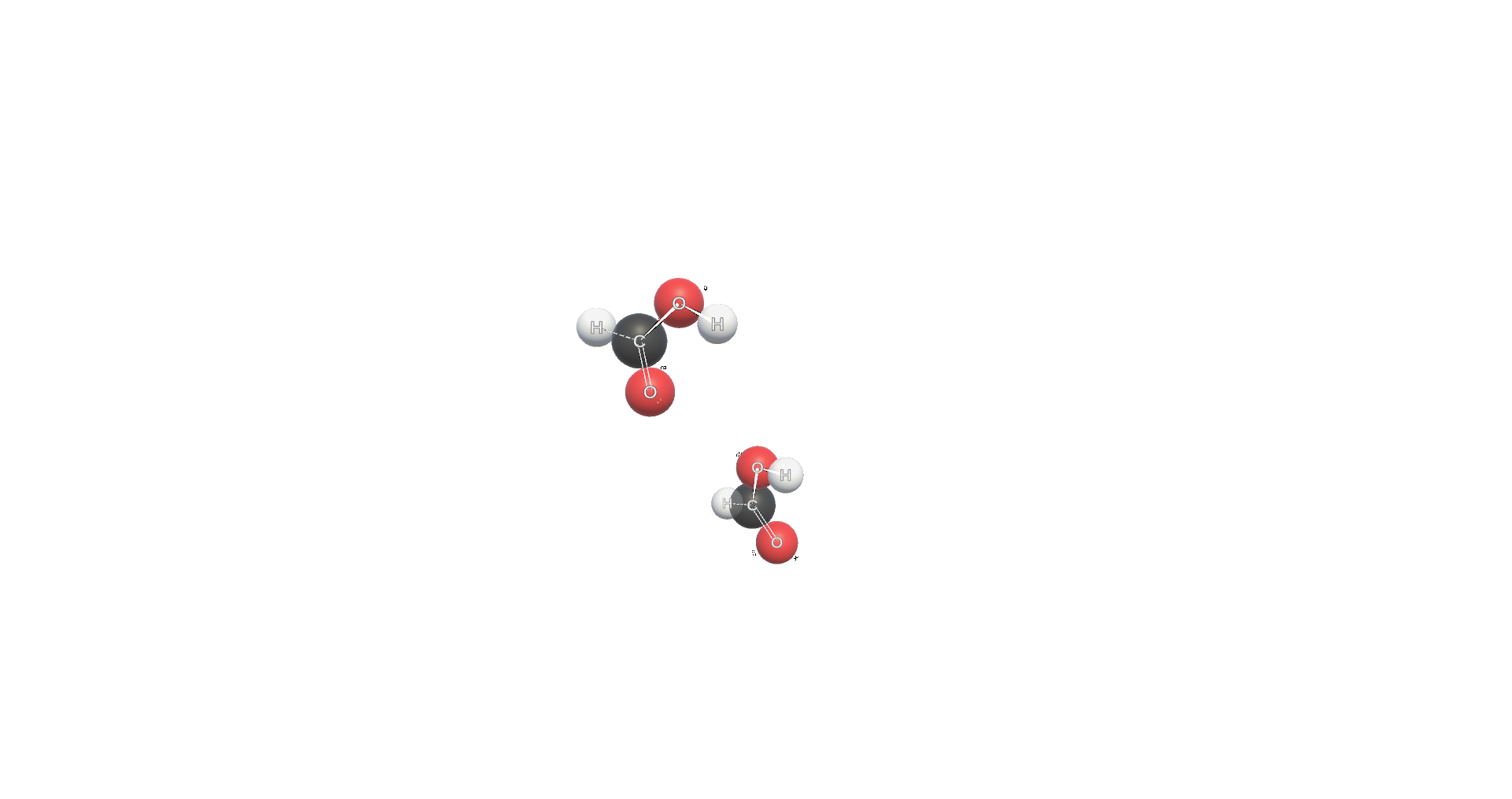
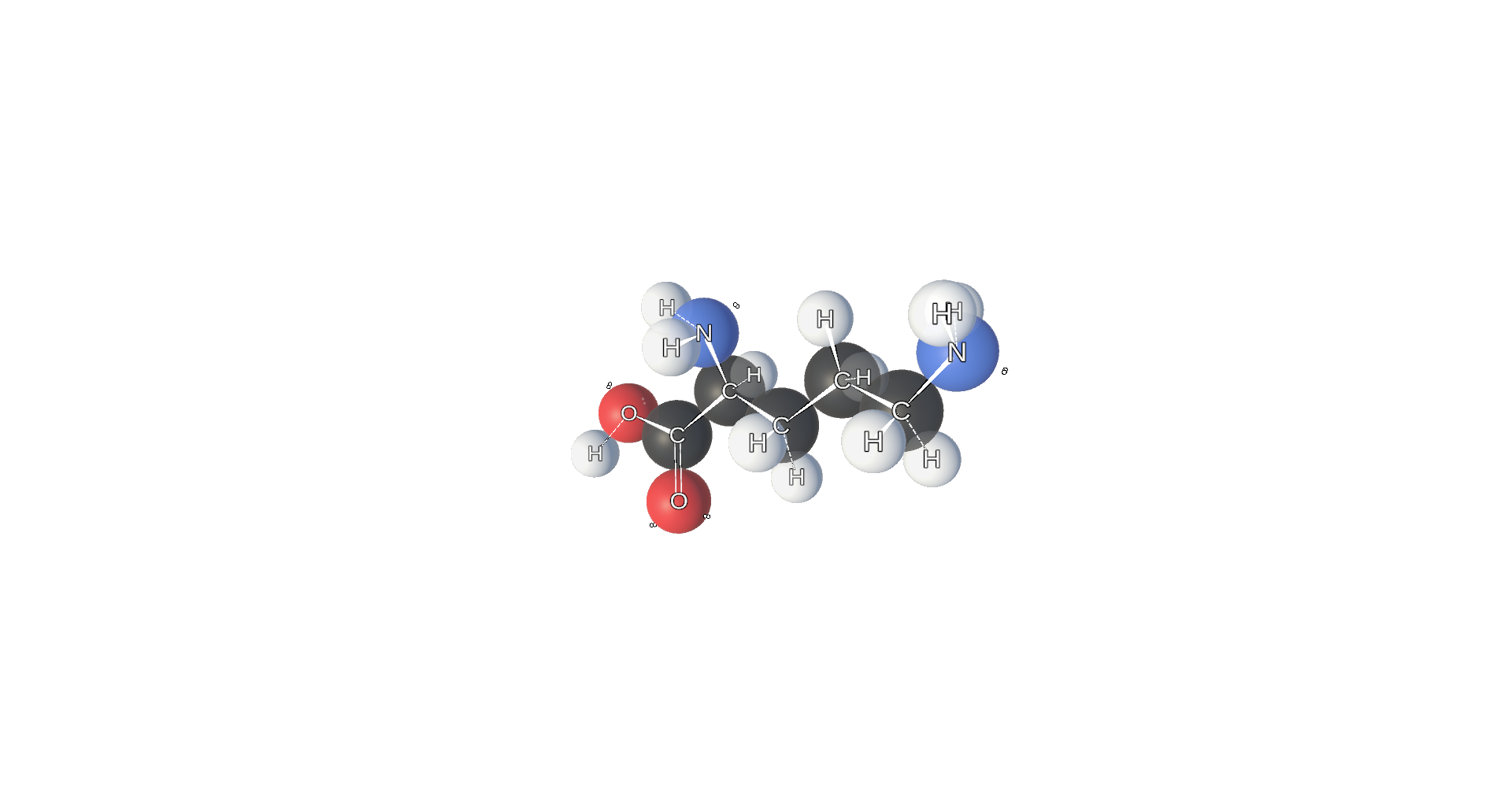
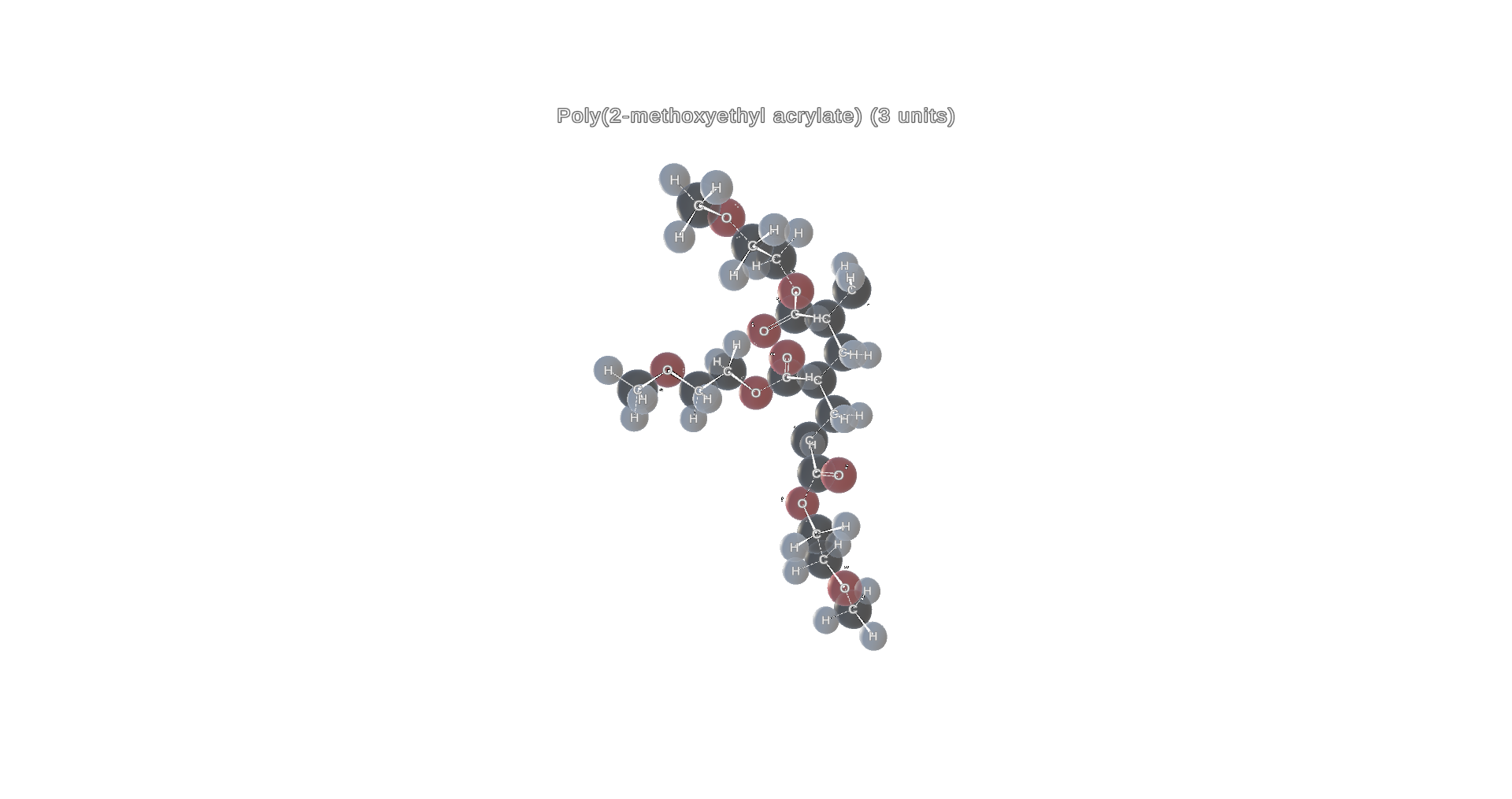
Catalog as live molecules — from urea-cycle partners to polymer repeats — ready to step and export when the smokes clear.
3️⃣ A Genesis library — browseable entries that open the live scene.
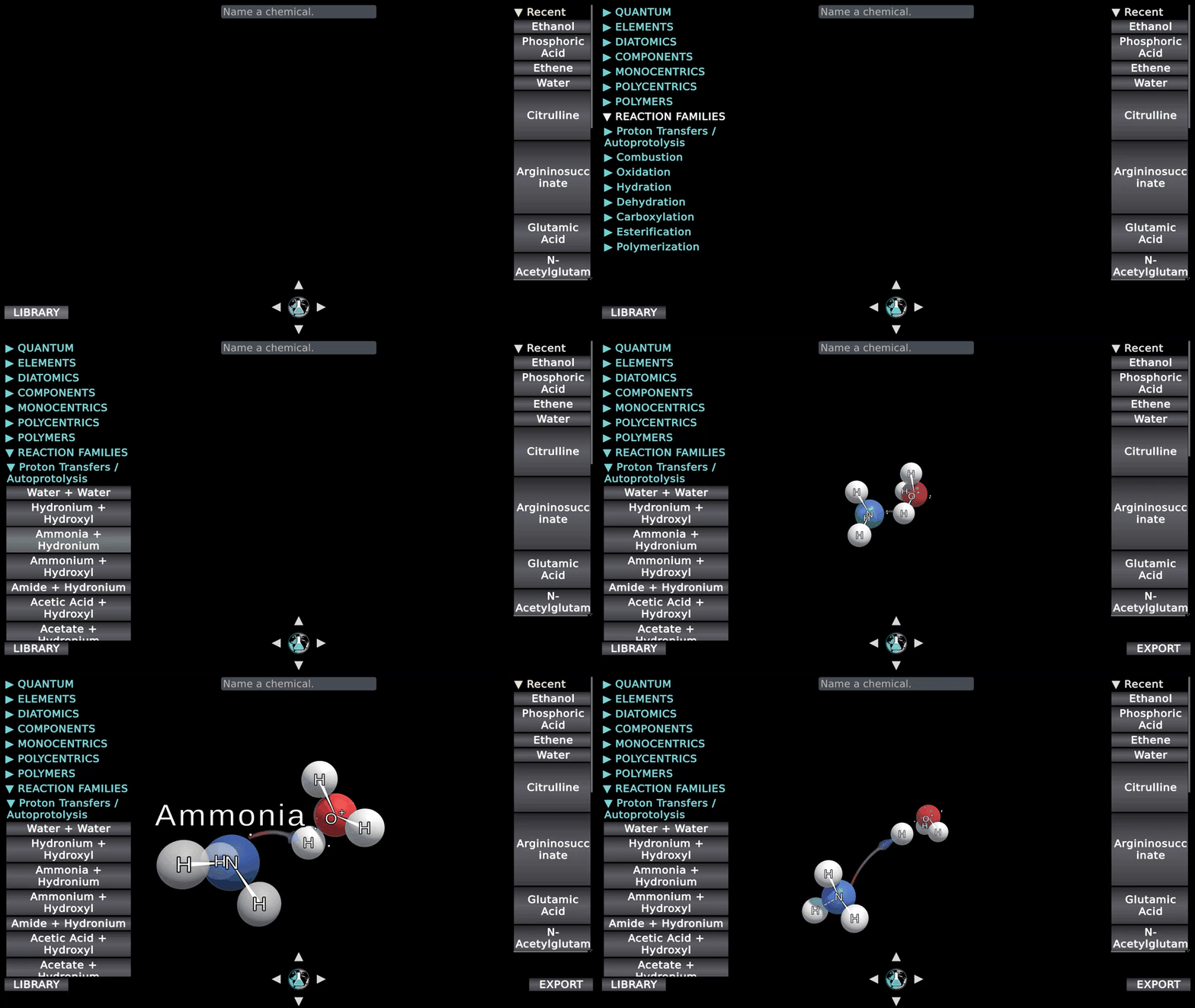
The lesson. We learned more about what chemistry communicators needed from 3D chemistry simulations/visuals to make an impact:
- Pace the process. Stop, narrate, rewind, reset — on purpose.
- Take an artifact with you. Export from the current engine when you need the slide.
- Keep discovery alive. Point people at live scenes (and partner outlets), not at files that freeze the catalog.
If you design outreach, lectures, or stakeholder demos, try it out and tell us which mechanism you would step through first:
 Vanessa Rosa, Ph.D.
If your lab or organization needs a custom interactive so stakeholders can follow your chemistry with the same clarity — including steppable maps as we ship them — start a request here:
 Vanessa Rosa, Ph.D.
It's a beautiful day to practice impactful science,



Member discussion